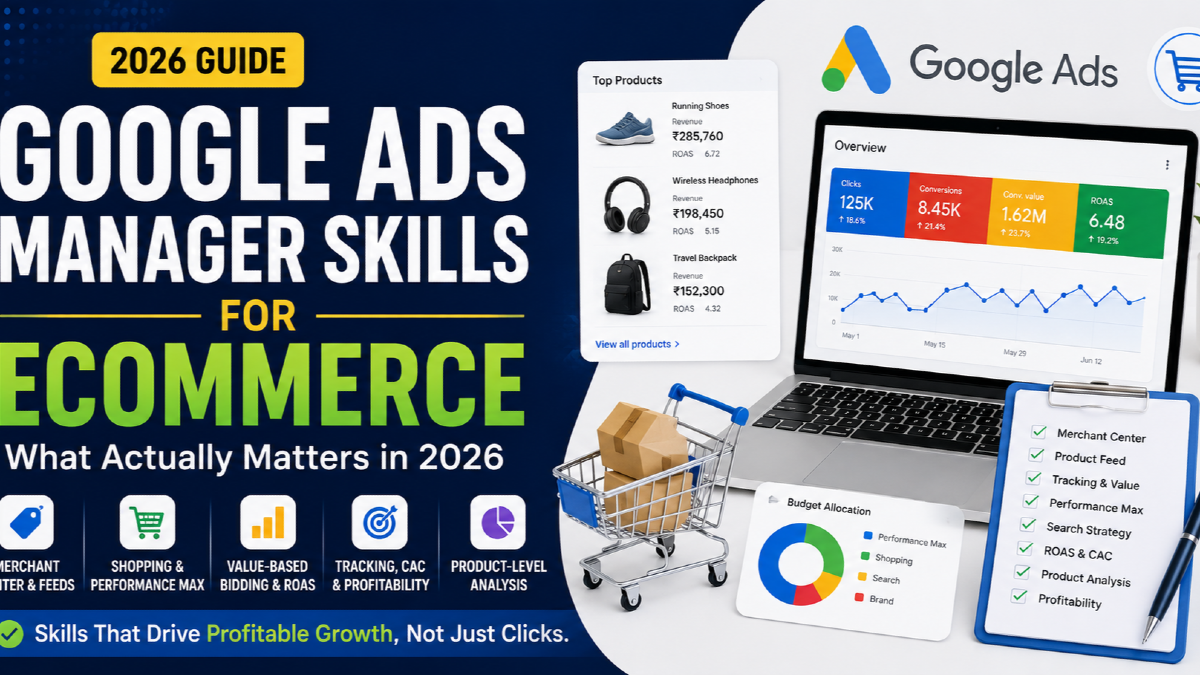
Managing Google Ads for an eCommerce store requires a different skill set from managing lead-generation campaigns.
An eCommerce Google Ads manager is not simply responsible for keywords, ads and bids.
They need to understand how advertising connects with:
- products;
- Google Merchant Center;
- product feeds;
- inventory;
- conversion tracking;
- purchase values;
- average order value;
- product margins;
- new-customer acquisition;
- landing pages;
- profitability.
A campaign can report a strong ROAS while the business makes very little money.
A product can receive thousands of profitable-looking clicks while having weak margin or a high return rate.
Performance Max can report growing conversion value while most of that revenue comes from existing customers or branded demand.
That is why the most important skill for an eCommerce Google Ads manager in 2026 is not knowing where every button is inside Google Ads.
It is knowing how to connect:
Product → Demand → Data → Campaign → Customer → Profit
This guide explains the skills required to manage that system properly.
What Does an eCommerce Google Ads Manager Actually Manage?
An eCommerce Google Ads manager manages more than campaigns.
The real operating system normally includes:
| Area | What the manager needs to understand |
|---|---|
| Products | Revenue, margin, inventory, seasonality and product demand |
| Merchant Center | Product eligibility, feed quality and product issues |
| Campaigns | Shopping, Performance Max, Search and other relevant campaign roles |
| Measurement | Purchase tracking, value, currency and transaction accuracy |
| Bidding | Conversion value, ROAS targets and customer value |
| Traffic | Search terms, product demand and query quality |
| Website | Product-page and checkout conversion |
| Economics | CAC, margin, AOV, contribution and profitability |
This is why I treat Google Ads for eCommerce as a business-investment system rather than simply a PPC account.
1. Product Economics: The Skill That Changes Every Other Decision
The first thing an eCommerce Google Ads manager needs to understand is not keywords.
It is the economics of the products being advertised.
For each important product or product group, understand:
- selling price;
- gross margin;
- discounting;
- shipping cost or subsidy;
- payment costs;
- return rate;
- average order value;
- repeat purchase potential.
Consider two products:
| Product A | Product B | |
|---|---|---|
| Selling price | ₹5,000 | ₹3,000 |
| Gross margin | 20% | 55% |
| Ad cost | ₹750 | ₹750 |
| Platform ROAS | 6.7× | 4× |
If you look only at ROAS, Product A appears better.
But the margin tells a different story.
This is why an eCommerce manager needs to understand the relationship between:
Revenue → Margin → Acquisition Cost → Contribution
The broader framework is covered in my eCommerce Google Ads strategy guide.
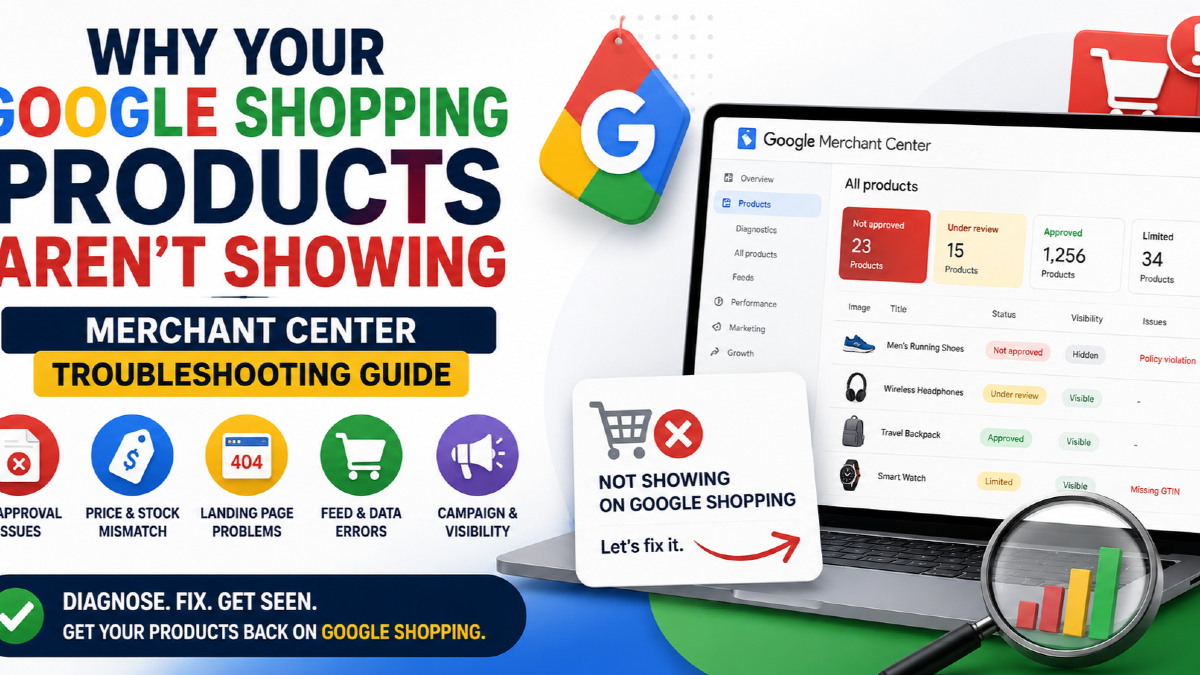
2. Product Feed and Merchant Center Skills
For an eCommerce advertiser, Merchant Center knowledge is no longer optional.
A Google Ads manager should be able to investigate:
- product approval status;
- price mismatches;
- availability mismatches;
- missing product identifiers;
- incorrect GTINs;
- weak product titles;
- product images;
- variant data;
- shipping configuration;
- product destinations and eligibility.
The feed is effectively part of the advertising system.
If the product data is poor, campaign optimisation is working with weak inputs.
Understand product identifiers
An eCommerce manager should understand:
- ID;
- GTIN;
- brand;
- MPN;
- item group ID;
- product type;
- Google product category.
Do not invent GTINs for products that do not have them.
And do not treat Merchant Center errors as something only the developer or feed app should understand.
Use custom labels for business logic
Custom labels become particularly valuable when product segmentation needs to reflect commercial priorities.
You might classify products by:
- high margin;
- low margin;
- bestseller;
- seasonal;
- clearance;
- high AOV;
- priority inventory.
That gives advertising structure information that may not exist naturally in the product title or category.
For deeper Shopping-specific implementation, see my Google Shopping Ads resource.
3. Purchase Tracking and Conversion-Value Accuracy
A Google Ads manager should not optimise an eCommerce account until they trust the Purchase conversion.
Check whether:
- Purchase fires only after a successful order;
- Purchase fires once per transaction;
- the revenue value is correct;
- currency is correct;
- transaction IDs are unique;
- refunds and cancellations are understood;
- Google Ads and store revenue can be reconciled reasonably.
Transaction IDs matter
If a customer reloads an order-confirmation page, the conversion tag should not create a second independent purchase.
The transaction ID should represent the unique order.
A manager who checks only whether the Google Ads tag is “firing” has not finished the tracking audit.
Enhanced conversions matter too
Enhanced conversions can improve Google's ability to match conversion activity using permitted first-party customer data.
But enhanced conversions do not repair:
- a Purchase event firing twice;
- the wrong order value;
- an incorrect transaction ID;
- a Purchase event firing before payment succeeds.
Measurement quality starts with correct business events.
I cover the complete implementation in my eCommerce Google Ads measurement framework.
4. Search Demand and Query Interpretation
Keyword research still matters for eCommerce Search campaigns.
But the more important skill is understanding what a query means commercially.
Consider:
running shoes
versus:
buy men's waterproof trail running shoes size 10
Both may be relevant.
They represent very different levels of product specificity and purchase intent.
An eCommerce manager should recognise four query problems
Wrong product intent
The searcher wants something the store does not actually sell.
Wrong commercial intent
The query may be informational rather than transactional.
Wrong product economics
The query produces sales, but the product cannot support the acquisition cost.
Wrong landing destination
The query is relevant, but Google sends the user to the wrong product or category page.
This is more useful than simply creating an enormous negative-keyword list.
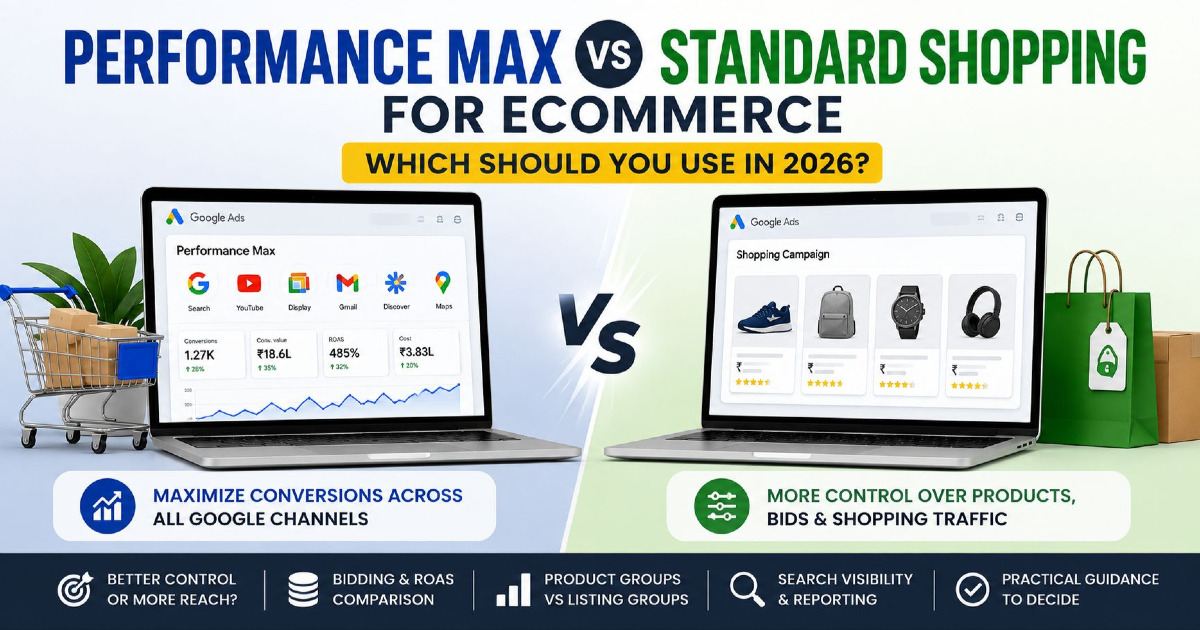
5. Performance Max Management Is Now a Control Skill
Performance Max management in 2026 requires more than launching a campaign, selecting a target ROAS and waiting for automation.
A skilled manager understands which inputs should guide Google and which controls should limit it.
That includes:
- product feed;
- asset groups;
- listing groups;
- search themes;
- negative keywords;
- brand exclusions;
- Final URL expansion;
- URL exclusions;
- audience signals;
- customer data.
Search terms now deserve active review
Performance Max provides substantially more search-term visibility than it once did.
A manager should review:
- actual queries;
- search categories;
- irrelevant demand;
- brand traffic;
- product-specific opportunities.
Then decide whether to use:
- negative keywords;
- brand exclusions;
- dedicated Search campaigns;
- better feed data;
- better search themes.
Channel reporting changes how you diagnose PMax
A manager can now inspect how Performance Max is serving across channels such as:
- Search;
- YouTube;
- Display;
- Discover;
- Gmail;
- Maps;
- Search partners.
The question should not be:
“Which channel should I turn off?”
Performance Max is still optimised as a campaign-level system.
The better question is:
What does the channel behaviour tell us about the inputs or limitations of the campaign?
For the deeper campaign framework, see Performance Max for eCommerce.
6. Search Campaign Management Is Changing With AI Max
Search campaigns are also becoming more automated.
AI Max can expand search-term matching and use landing-page and creative information to discover additional relevant queries.
This means an eCommerce Search manager needs to become better at defining boundaries.
The relevant skills now include:
- strong conversion signals;
- clean landing-page architecture;
- search-term analysis;
- brand controls;
- URL controls;
- negative keywords;
- experimentation.
The role is moving away from manually controlling every query and toward giving Google's automation useful inputs plus commercially sensible constraints.
7. Value-Based Bidding and Target ROAS Skills
For eCommerce, a conversion is not simply a conversion.
A ₹500 purchase and a ₹50,000 purchase should not automatically have identical value to the bidding system.
This is why value-based bidding is central to eCommerce management.
A manager should understand:
- Maximize conversion value;
- Target ROAS;
- conversion-value accuracy;
- customer value;
- product economics;
- marginal return.
Do not choose a target ROAS because it looks impressive
A high target can restrict traffic and prevent potentially profitable growth.
A low target can increase scale but allow economically weak demand.
The target should connect with:
margin + operating economics + growth objective
rather than a generic industry benchmark.
Average ROAS is not the same as marginal ROAS
Suppose:
₹1 lakh spend → ₹5 lakh revenue
That is 5× ROAS.
You increase spend to ₹1.5 lakh and revenue becomes ₹6.5 lakh.
The additional ₹50,000 produced ₹1.5 lakh revenue.
The marginal ROAS of that additional spend is 3×.
That is the number that matters when deciding whether the next unit of budget is still commercially useful.
8. Product-Level Performance Analysis
Campaign averages hide product problems.
An eCommerce Google Ads manager needs to analyse performance at product level.
Look for products with:
- high spend and no sales;
- strong revenue but weak margin;
- excellent efficiency but low impression share;
- high conversion rate but low stock;
- strong paid performance but high return rates;
- large traffic with poor website conversion.
This is where Google Ads management becomes merchandising.
Do not scale every winner
A product may look excellent inside Google Ads but be a poor candidate for more spend because:
- inventory is nearly exhausted;
- the product has a high cancellation rate;
- margin is temporarily compressed;
- there is a replacement product with stronger economics.
The Ads Manager needs information from outside Google Ads.
9. New-Customer Acquisition Skills
Total ROAS does not tell you whether growth is coming from existing customers or new customers.
This matters especially for stores with high repeat-purchase rates.
Google Ads supports customer-acquisition goals that allow eligible campaigns to place additional value on new customers.
But the feature is only useful if the business can define:
- who counts as an existing customer;
- what a new customer is worth;
- which customer lists are reliable;
- whether repeat purchases should remain eligible.
New-customer CAC belongs beside ROAS
Track:
New-customer CAC = acquisition spend / new customers acquired
Then compare that with:
- first-order contribution;
- repeat purchase behaviour;
- customer lifetime value.
A campaign can produce acceptable overall ROAS while doing very little to expand the customer base.
10. Landing-Page and Merchandising Skills
Google Ads stops controlling the experience when the click reaches your site.
From that point, product merchandising and CRO take over.
An eCommerce manager should be able to identify issues such as:
- wrong product landing page;
- poor category selection;
- slow mobile experience;
- weak product images;
- unclear price;
- missing reviews;
- stock problems;
- unexpected shipping cost;
- poor variant selection;
- checkout friction.
The correct diagnosis matters.
If Shopping traffic is commercially relevant but users do not add products to cart, adding more negative keywords may not solve the real problem.
11. Attribution Skills Without Trying to Make Every Platform Match
Google Ads, GA4 and your eCommerce backend do not answer exactly the same measurement question.
Your store records the order.
Google Ads determines which conversions it attributes to Google advertising.
GA4 gives another view of the customer journey.
A manager should be comfortable with differences rather than forcing the systems to match exactly.
The questions I care about are:
- Is the actual Purchase event accurate?
- Does total revenue reconcile reasonably?
- Has the difference changed suddenly?
- Is a particular campaign receiving disproportionate credit?
- What role did other channels play?
For more detail, see my guide to eCommerce Google Ads attribution.
12. Budget Allocation Is a Marginal Investment Skill
A strong eCommerce manager does not simply give more budget to the campaign with the highest historical ROAS.
They ask:
Where will the next ₹10,000 generate the most useful incremental return?
That may be:
- an existing Shopping campaign;
- a Performance Max campaign with additional demand available;
- a product category currently limited by budget;
- a dedicated Search opportunity;
- a seasonal collection;
- a new-customer acquisition test.
The answer changes as demand, inventory and marginal performance change.
This is why fixed rules such as:
“Never put more than 30% of budget into one campaign”
are not useful.
A campaign deserves budget when the next unit of spend still produces an acceptable business outcome.
What an eCommerce Google Ads Manager Should Review Regularly
| Frequency | What to review |
|---|---|
| Frequently | Spend, revenue, tracking anomalies, Merchant Center issues, stock problems |
| Weekly | Search terms, product performance, budget constraints, PMax insights, conversion value |
| Monthly | Product economics, new-customer CAC, marginal ROAS, category performance, attribution |
| Seasonally | Inventory, promotions, demand forecasts, product priorities and budgets |
The point is not to make changes every day.
The point is to notice when something materially changes.
Google Ads Skills That Matter Less Than They Used To
Some skills have not disappeared, but their relative importance has changed.
Manually adjusting individual keyword bids
Smart Bidding now handles auction-time bidding in many eCommerce accounts.
The strategic question is increasingly whether the bidding system is receiving the right values and constraints.
Building dozens of tiny campaign segments
Excessive segmentation can starve automation of useful data and make management harder.
Create separate campaigns or product groups when there is a business reason, such as:
- different budgets;
- different ROAS requirements;
- different geography;
- different inventory;
- different product economics.
Chasing Quality Score as a primary KPI
Quality Score can be useful diagnostically for Search campaigns.
It is not an eCommerce profitability metric.
I would prioritise customer economics and business outcomes above trying to maximise a diagnostic score.
The Skills Hierarchy for eCommerce Google Ads
If I had to rank the skill set, I would use this hierarchy:
| Priority | Skill | Why |
|---|---|---|
| 1 | Product economics | Determines what profitable acquisition actually means |
| 2 | Conversion-value accuracy | Controls what automated bidding learns from |
| 3 | Merchant Center/feed | Controls product eligibility and Shopping inputs |
| 4 | Value-based bidding | Connects campaign optimisation with commercial value |
| 5 | Product analysis | Prevents account averages hiding weak products |
| 6 | Search-demand interpretation | Separates useful demand from irrelevant traffic |
| 7 | Automation controls | Guides PMax and Search without unnecessary micromanagement |
| 8 | Website/CRO diagnosis | Identifies problems Ads Manager cannot fix |
| 9 | Customer acquisition analysis | Separates growth from repeat-customer harvesting |
| 10 | Budget allocation | Determines where incremental spend should go |
How to Evaluate an eCommerce Google Ads Manager
If you are hiring someone to manage an online store, ask questions that reveal whether they understand the business beyond Ads Manager.
Ask:
- How do you decide which products deserve more budget?
- How do you incorporate product margin into your decisions?
- How do you audit Merchant Center?
- How do you verify Purchase revenue?
- How do you prevent duplicate purchases?
- How do you decide whether a target ROAS is too high or too low?
- How do you distinguish new-customer growth from returning-customer revenue?
- What would make you stop scaling a high-ROAS product?
- How do you diagnose clicks with no sales?
- How do you evaluate incremental budget?
The answers reveal more than a certification badge.
Frequently Asked Questions
What skills does an eCommerce Google Ads manager need?
The most important skills are product-economics analysis, Merchant Center and feed management, conversion tracking, value-based bidding, Search and Performance Max management, product-level reporting, landing-page diagnosis, customer-acquisition analysis and budget allocation.
Does a Google Ads manager need to know Merchant Center?
Yes, if they manage ecommerce campaigns. Shopping and retail Performance Max campaigns depend heavily on product data, so Merchant Center eligibility, product attributes and feed issues directly affect advertising.
Does an eCommerce Google Ads manager need GA4?
They should understand GA4 well enough to analyse user behaviour and cross-channel journeys, but Google Ads purchase tracking and the ecommerce backend should also be validated independently.
Is keyword research still important for eCommerce Google Ads?
Yes, particularly for Search campaigns. However, query interpretation, product relevance, search-term analysis and economics now matter more than simply building very large keyword lists.
Is Performance Max replacing Google Ads managers?
No. Automation changes the work. Less time may be spent making manual bid changes, while more skill is required in conversion values, product data, creative inputs, controls, customer data, economics and diagnosing automation.
What is the most important Google Ads metric for eCommerce?
There is no single metric. ROAS and conversion value are useful platform metrics, but they should be interpreted alongside new-customer CAC, product margin, contribution, AOV and incremental return.
Should every product have the same target ROAS?
Not necessarily. Different products and categories may have different margins, customer value, repeat behaviour or strategic importance. Your structure should reflect economically meaningful differences without fragmenting campaigns unnecessarily.
Final Takeaway
The best eCommerce Google Ads managers are not the people who make the most campaign changes.
They are the people who understand what Google is being asked to optimise.
The complete skill chain is:
Product economics → Merchant Center → Conversion data → Campaign architecture → Value-based bidding → Product analysis → Customer acquisition → Marginal budget allocation.
If any of the first layers are wrong, campaign optimisation can make the wrong outcome happen faster.
That is why modern eCommerce Google Ads management requires more business understanding, not less, as Google automates more of the platform.
The manager's job is increasingly to give automation the right objectives, reliable data, useful product information and sensible economic constraints — and then determine whether the resulting growth is actually worth buying.
If you want the account itself reviewed rather than simply learning the skill set, use my Google Ads audit process.